 Nave
People
A church is a set of homes.
People belong to a household. Leaders see their own church. A login for one church does not open another.
- 01
Households
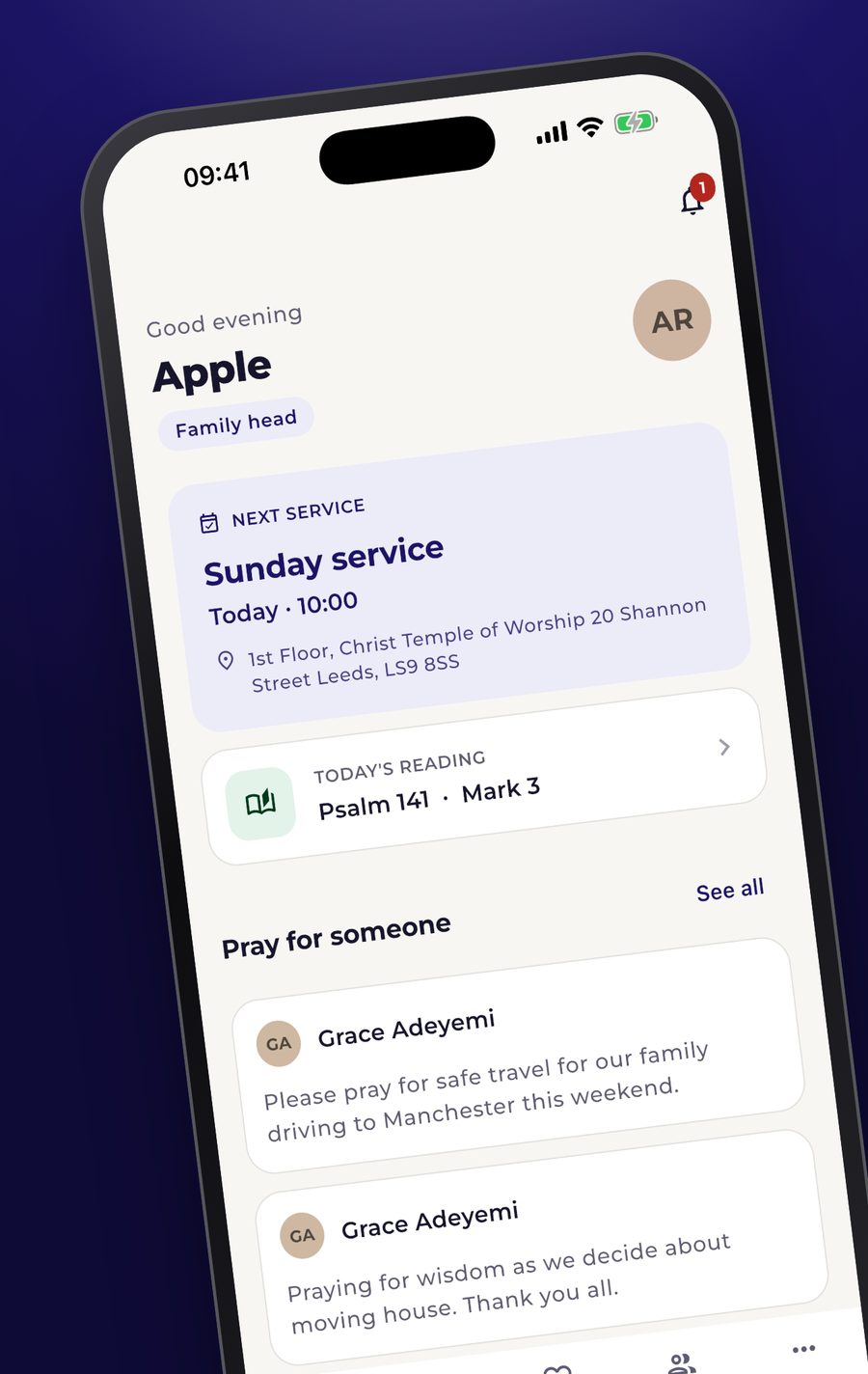
A family shares a household in the app. Invitations, children’s check-in, and the home screen hang off that household.
- 02
Visitors
A leader records a first-time visitor: name, how to reach them, the day they came, and whether they have agreed to a call. The stages run from new, to contacted, to returned, to settled. Notes are dated.
- 03
Regulars who go quiet
Someone who used to come most Sundays, and has now missed three or more services in a row, appears on a list for leaders. A person can be handed to a named leader, and the call or the visit is written down. Someone who is still at their midweek fellowship is left off that Sunday list.
- 04
House fellowships
Each group has a place, a day, and a leader. The register is the evening itself. A member is in one fellowship.
Visitors
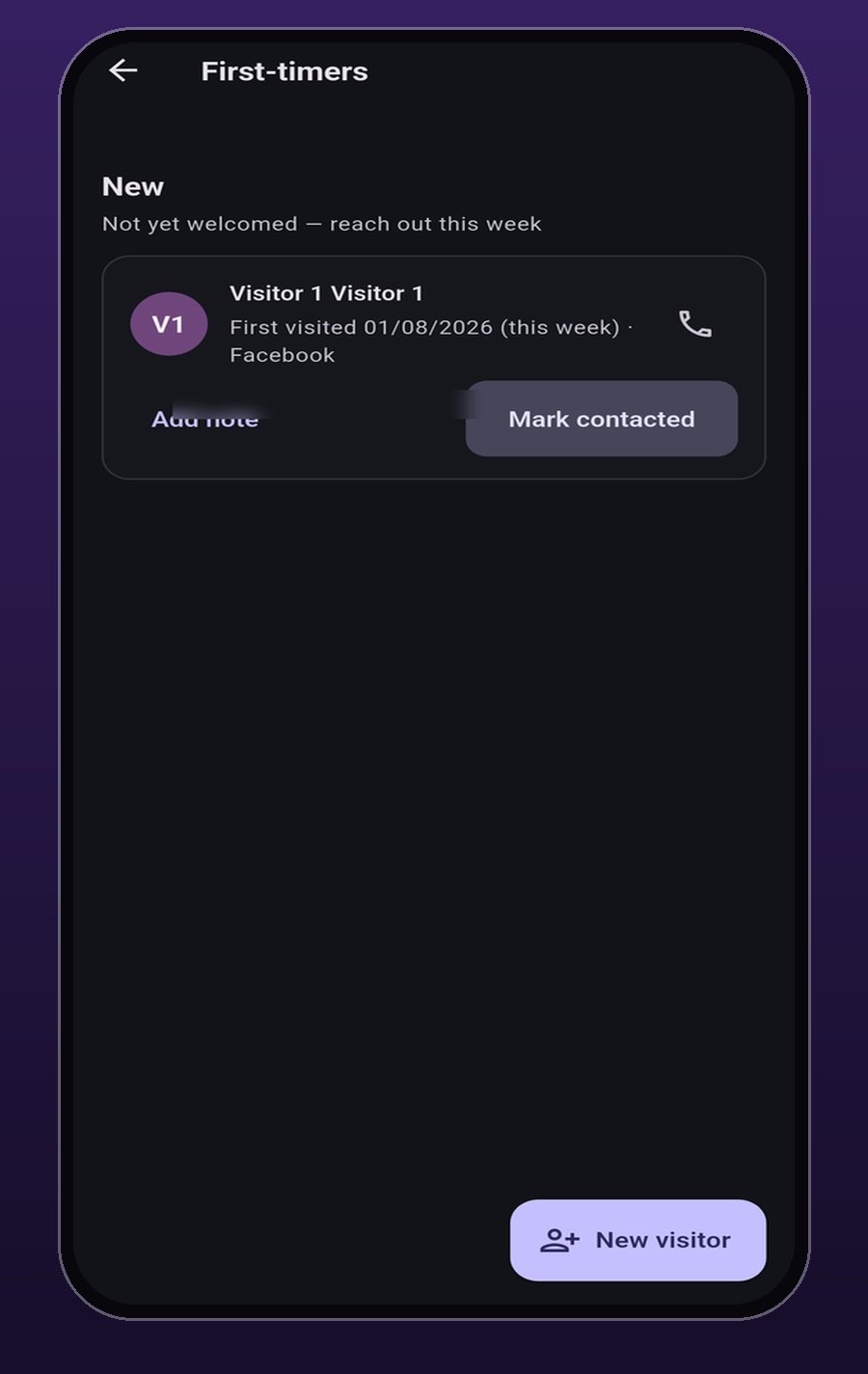
Write them down while they are still in the room.
New visitors sit at the top, with the day they came and how they heard about the church. A leader marks them contacted, returned, or settled, and can add a dated note.
At the door
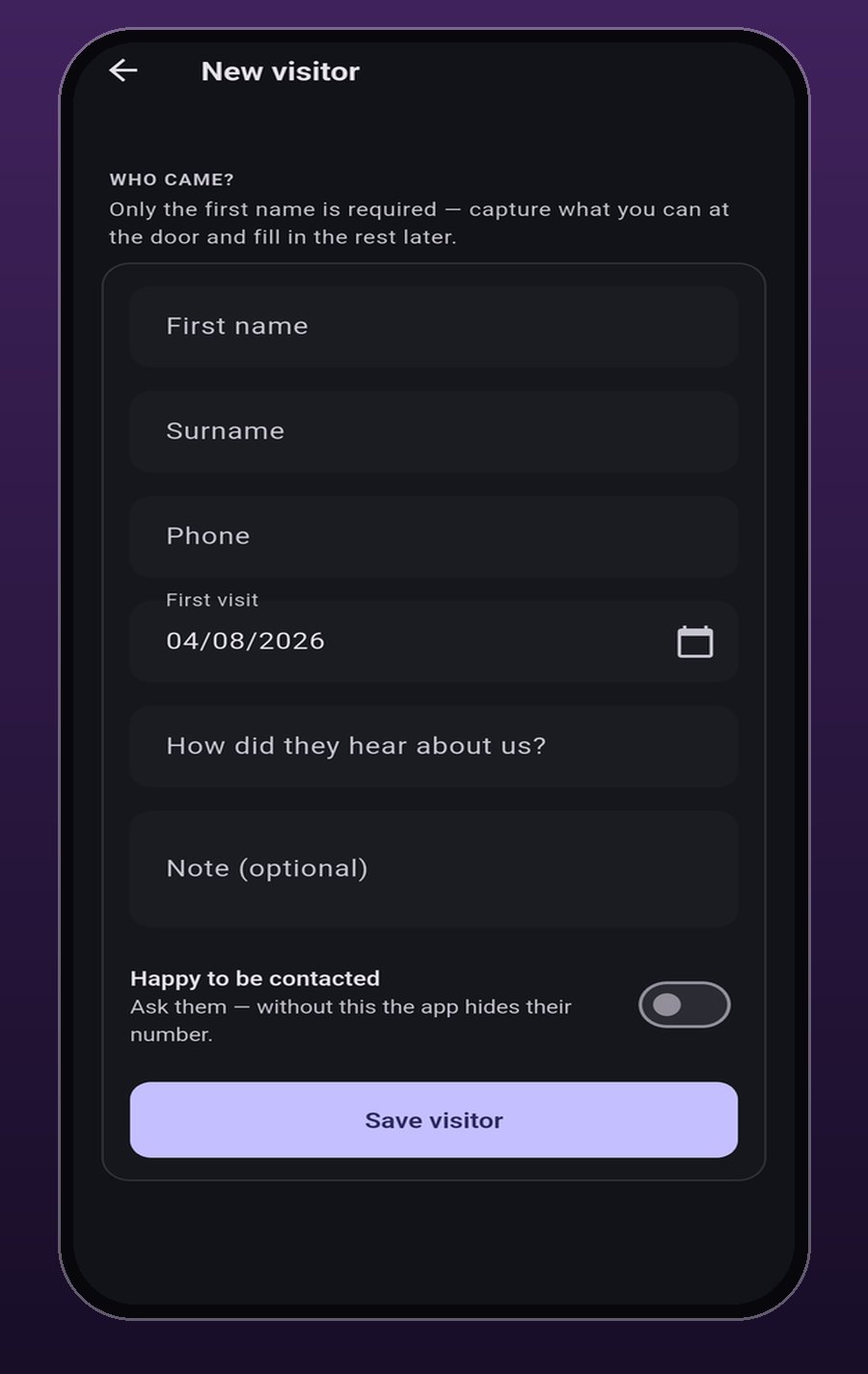
Only a first name is required.
Phone, how they heard, and a note can wait. Without a yes to being contacted, the app hides the number.
Follow-up
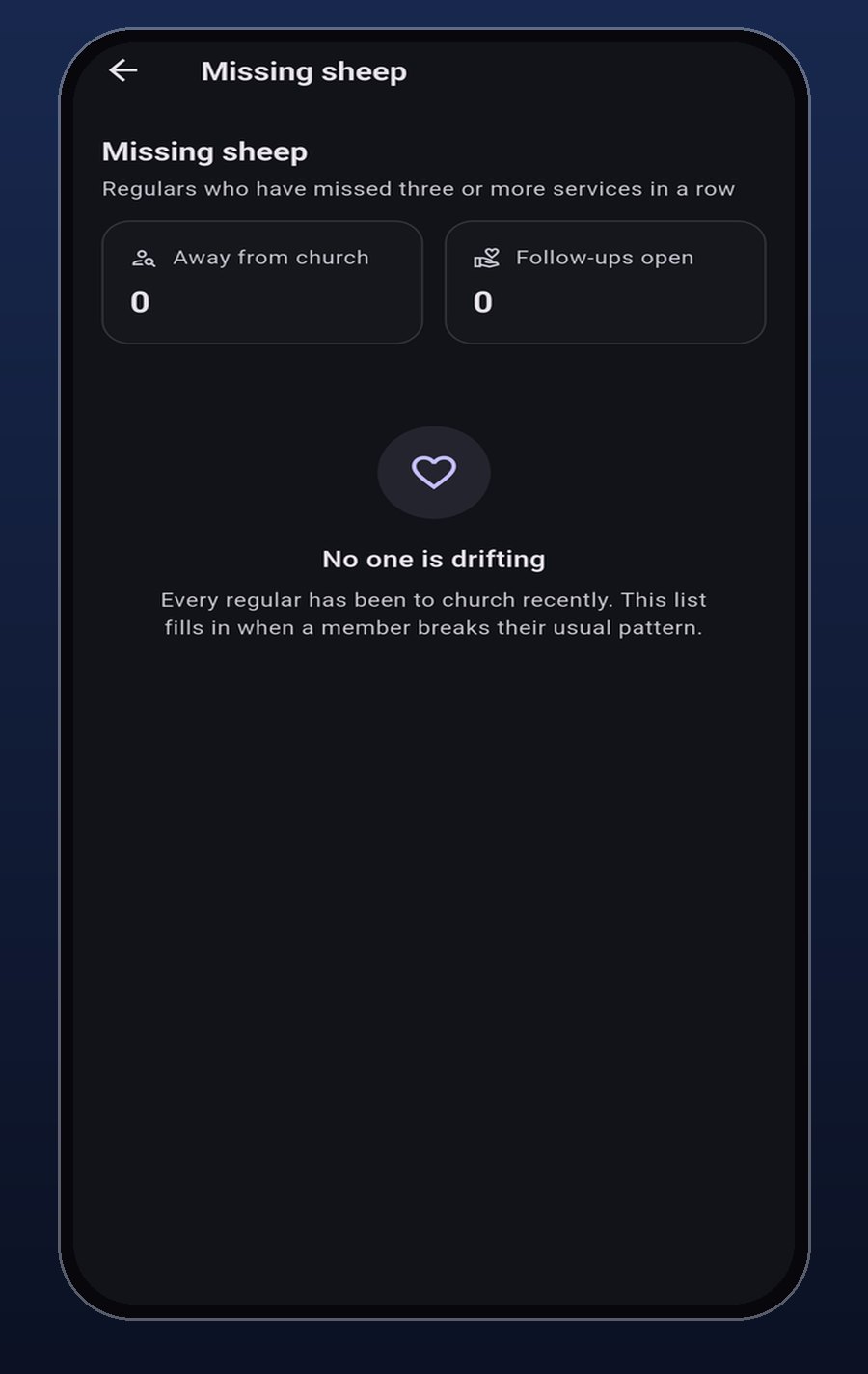
The quiet Sundays have a list.
Regulars who miss three services in a row show here, beside how many follow-ups are still open. A leader hands someone to a named person and writes down what the call or the visit found.